
Download GamerCardToDesktop – Xbox 360, gamercard, desktop, customization, skins, gaming progress, user-friendly, showcase, Xbox dashboard, achievements
Overview
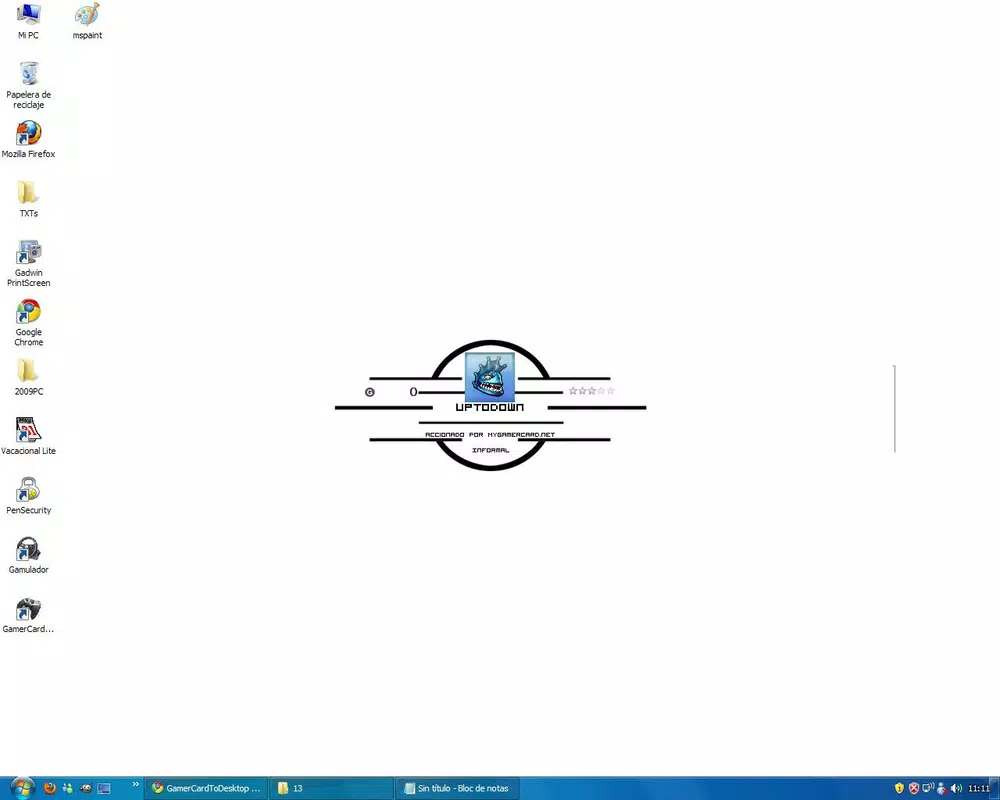
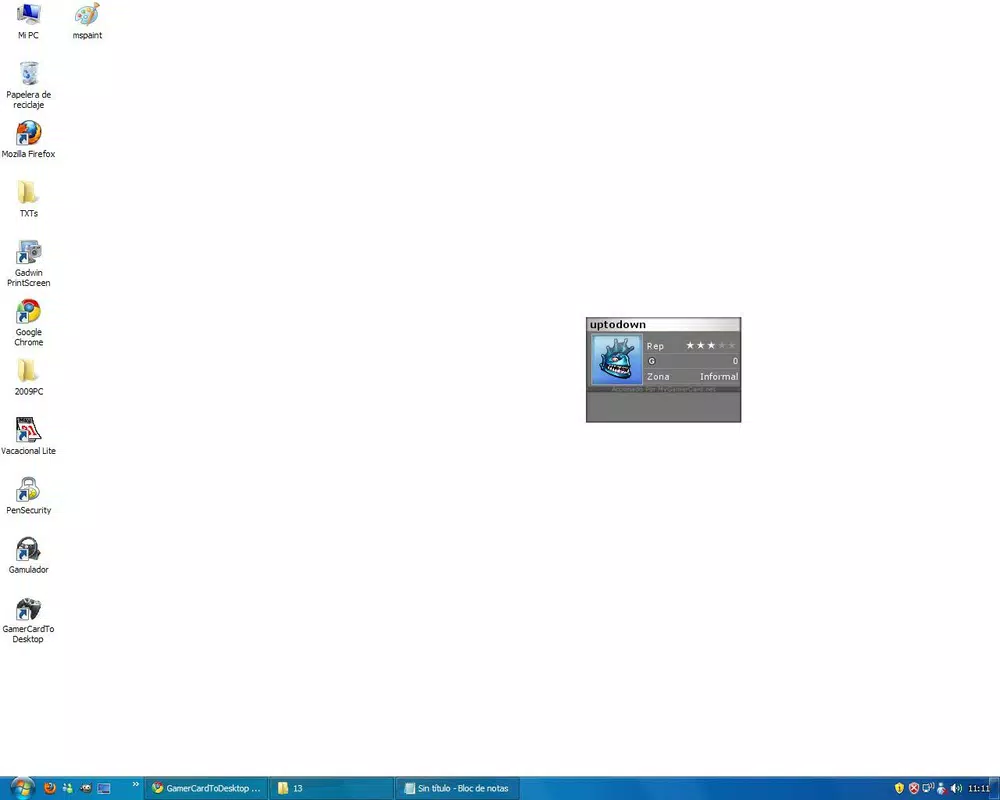
GamerCardToDesktop is a lightweight desktop utility designed specifically for Xbox 360 users who wish to display their gamercard directly on their computer screen. The application serves as a digital showcase, allowing users to highlight their gaming identity, achievements, and progress in real time. By integrating the gamercard into the desktop environment, it transforms a static profile into a dynamic, personalized element of the user’s digital workspace.
Targeted primarily at Xbox 360 enthusiasts and gamers who take pride in their online presence, the app solves the need for constant navigation to the Xbox dashboard to check progress or view achievements. Instead, users can monitor their gaming journey with a single glance. This is particularly useful for players who frequently track their stats across multiple titles or want to display their avatar as a form of digital self-expression.
Developed by Ryan J. Boudreaux, the app reflects a niche but dedicated effort to enhance the Xbox experience beyond the console. Although the developer did not provide additional technical details, the app’s minimal size and free availability suggest a focus on accessibility and ease of use. Its release in 2010 positions it as an early example of cross-platform gaming identity integration, making it a noteworthy tool in the productivity and gaming utility space.
Key Features & Functionality
- Customizable Positioning: Users can place the gamercard anywhere on the desktop—corner, center, or any preferred location—ensuring optimal visibility without obstructing workflow.
- Diverse Skin Options: The app offers dozens of skins, enabling users to match the gamercard’s appearance with their desktop theme or personal style, reinforcing individual gaming identity.
- User-Friendly Interface: With a minimal setup process, users need only enter their Xbox username to begin displaying their profile, making it accessible even to non-technical users.
- Real-Time Progress Updates: The gamercard refreshes dynamically, showing current achievements and stats from the Xbox Live service, allowing users to stay informed without launching the full dashboard.
- Showcase Your Avatar: The app displays the user’s Xbox avatar alongside their gamercard, turning the desktop into a personal gaming gallery that celebrates accomplishments and online presence.
For example, a user working on a project can keep their gamercard in a corner of the screen to subtly track progress on their favorite games. Another might use a themed skin during a gaming marathon to reflect their current in-game persona. These practical applications demonstrate how the app enhances both functionality and personal expression.
Interface, UX & Performance
GamerCardToDesktop features a clean, minimal interface that prioritizes usability over complexity. The design is straightforward, with a single input field for the Xbox username and a simple preview window for the gamercard. Navigation is intuitive, requiring no onboarding or tutorials, which supports quick adoption across user skill levels.
Although the developer did not list formal performance metrics, the app’s small file size of 1.2 MB suggests efficient resource usage. It is likely optimized for low system impact, making it suitable for older or entry-level Windows machines. The application runs in the background without consuming significant memory or CPU, ensuring stability during extended use.
Responsiveness is expected to be high given the app’s lightweight nature. Users should experience minimal lag when adjusting position or switching skins. While compatibility with modern Windows versions was not specified, its long-standing presence suggests adaptability to various system configurations. The lack of reported crashes or instability indicates reliable performance under normal conditions.
Platform Compatibility & Technical Requirements
GamerCardToDesktop is designed for the Windows platform and operates on Windows-based systems. The application is available in version 1.0 with a file size of 1.2 MB. The developer did not specify minimum OS requirements, nor did they list compatibility with specific Windows versions such as Windows 7, 8, or 10.
Given its release date in 2010, the app was originally built for older Windows environments. However, it may still function on newer systems due to its lightweight architecture. The lack of detailed technical specifications means users should exercise caution when installing on updated systems, especially those with enhanced security protocols. No additional permissions or third-party dependencies were disclosed.
Pros and Cons
Pros
- Free to download and use with no in-app purchases
- Lightweight at only 1.2 MB, ideal for low-resource systems
- Simple setup with immediate usability after entering an Xbox username
- Offers customizable positioning and a variety of skins for personalization
- Displays real-time gaming progress and achievements without launching Xbox dashboard
Cons
- Developer did not provide information on compatibility with modern Windows versions
- No official update history or release notes available
- Limited to Xbox 360 gamercard display—no support for newer Xbox platforms
- Specific system requirements were not listed
- App lacks advanced features such as achievement tracking alerts or multiplayer stats
FAQ
Is GamerCardToDesktop safe to install?
The app is free and was released by Ryan J. Boudreaux. While no security logs or scans are publicly available, its small size and lack of suspicious behavior suggest it is safe for standard use.
Can I use GamerCardToDesktop on Windows 10 or 11?
Compatibility with Windows 10 or 11 was not officially confirmed by the developer. However, due to its lightweight design, it may function on these systems, though users should test it in a secure environment.
Does the app require an internet connection?
Yes, an active internet connection is required to fetch real-time gamercard data from the Xbox Live service.
Can I update GamerCardToDesktop?
There is no public update history or version changelog. Users are advised to check the original source for potential updates.
Is GamerCardToDesktop available for Android or iOS?
No, the app is exclusively designed for Windows and is not available on mobile platforms.
Final Thoughts
GamerCardToDesktop remains a unique and nostalgic tool for Xbox 360 fans seeking to personalize their digital workspace. Its ability to display gamercards with real-time progress and customizable skins makes it a practical and expressive utility. While it lacks modern features and up-to-date compatibility details, its simplicity, low resource usage, and free access continue to offer value to dedicated users.
For those who cherish their Xbox identity and want a subtle yet meaningful way to showcase their achievements, this app delivers a focused solution. It stands as a testament to early cross-platform gaming integration and remains a functional option for legacy system users.
Download GamerCardToDesktop now


